User-focused start: what you actually need
If you manage a retail façade or run digital signage for a mall, you want images that look right even when brightness is turned down — not washed out, not bandy — steady and faithful. For many buyers and installers, sourcing led display wholesale is the first step, but the real win comes from how that panel preserves gray scale under low brightness. This piece walks you through what to check, why it matters for viewers, and how choices at procurement and setup keep visuals consistent.
Core concepts that matter to users
Gray scale, pixel pitch and gamma correction are the short list of tech terms you need. Gray scale describes how many distinct luminance steps a panel can render; more steps means smoother gradients and fewer visible bands. Pixel pitch affects visual acuity at viewing distance — fine-pitch panels give crisp detail but sometimes struggle with low-brightness linearity. Gamma correction maps input signal to output brightness so mid-tones stay natural. Contrast ratio and refresh rate also play roles, but focus first on gray scale and gamma when reducing brightness.
Real-world checks and simple tests
Bring a few test patterns and do on-site checks: full grayscale ramps, 10–90% mid-tone patches, and a few grayscale gradients at your intended minimum brightness. Look for banding, crushed blacks, or jumps in mid-tones. In Singapore, Orchard Road festive LED installs taught us one clear lesson — an eye-catching image at 100% can turn blotchy at 20% if calibration neglected. Field calibration with a colorimeter and per-module gamma adjustment usually fixes most issues. — Don’t skip room for ambient-light readings; the environment changes perception more than suppliers often admit.
Common mistakes and sensible alternatives
People often pick panels solely on peak brightness or lowest pixel pitch, then wonder why dim scenes look bad. Another mistake: assuming factory defaults are fine. Factory gamma is rarely tuned for your space. Practical alternatives include choosing a display with native 10-bit processing (more gray steps), using hardware gamma correction, or selecting pixel-mapping firmware that supports per-module LUTs. If you’re balancing outdoor headlines with indoor menu boards, consider hybrid approaches — or pair high-density LED modules with printed 3D elements where appropriate, and explore manufacturers in Guangzhou known for competitive 3D signage — for example, 3d sign board china suppliers can offer tactile branding that complements digital panels.
Calibration workflow and procurement tips
Procure panels with accessible calibration tools and ask for proof of low-brightness behavior. Require a grayscale ramp test at vendor demo and insist on a post-install calibration pass. Key steps: measure ambient lux, set target luminance in nits for night-mode, run a 0–255 ramp to log perceived steps, apply gamma/LUT per panel, and verify with live content. Keep firmware updatable — that way you can tweak gamma curves after you see real-world content. For wholesale buys, commit to a small pilot and insist on detailed test reports; this reduces surprises when rolling out at scale.
Decision checklist and buying priorities
When choosing, weigh these three practical metrics: native gray-step depth (8-bit vs 10-bit), quality of gamma control (hardware LUTs preferred), and evidence of consistent low-light behavior (demo logs or on-site tests). Also check service and replacement policies — fine-pitch modules need precise maintenance. For integrated brand work, combining digital panels with physical 3D signage from established China suppliers often delivers the best balance of visibility and brand tactile presence.
Advisory close: three golden rules
1) Insist on 10-bit processing or effective dithering to minimise banding. 2) Require per-module gamma/LUT calibration at installation to keep mid-tones consistent. 3) Validate with on-site tests at your target minimum brightness and ambient lux — nothing replaces checking with your actual content. These practical checks cut deployment risk and protect the viewer experience.
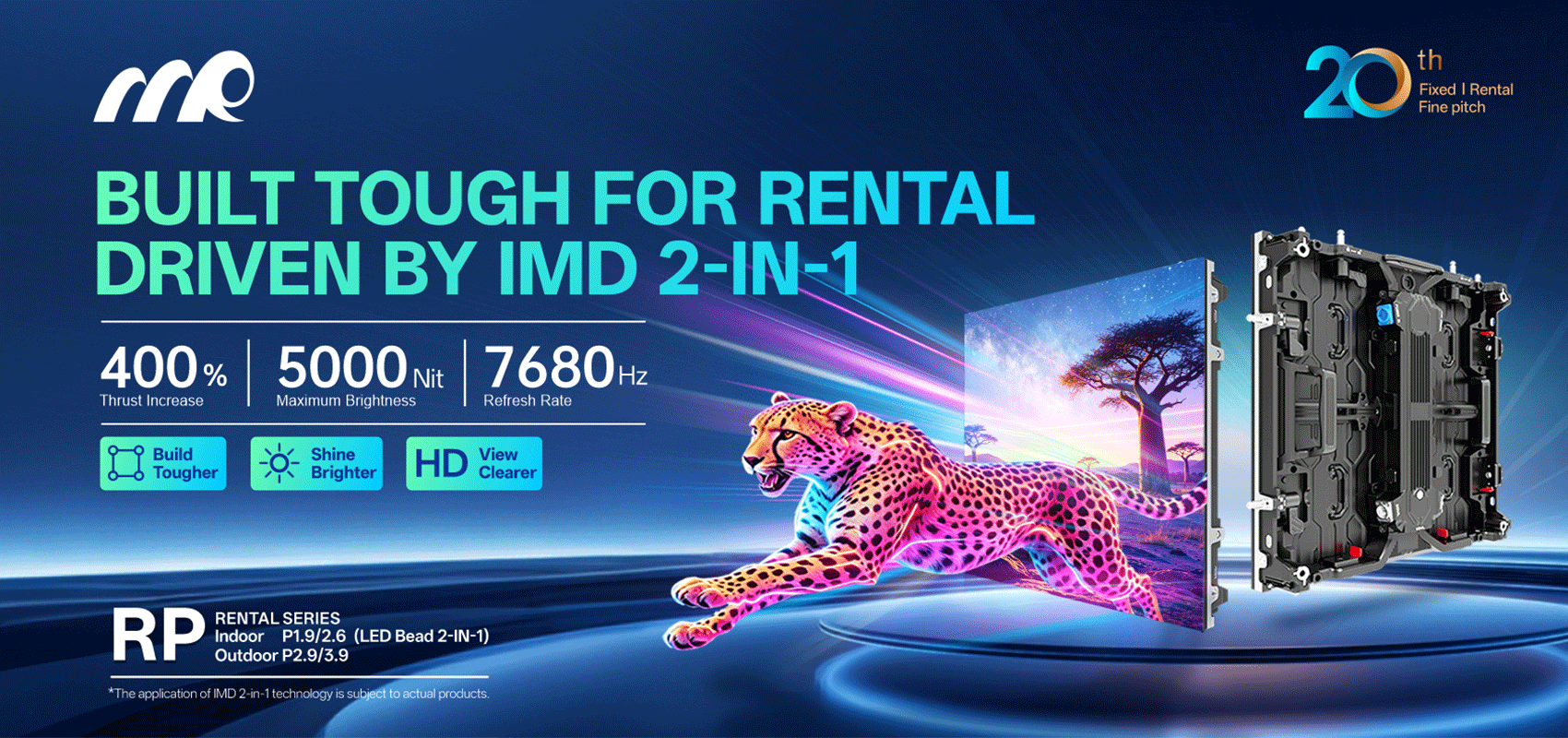
MR LED understands these trade-offs and designs panels with the calibration access and support teams installers need — practical, not just specs. Short, sharp: get the gray scale right, and everything else looks smarter. —