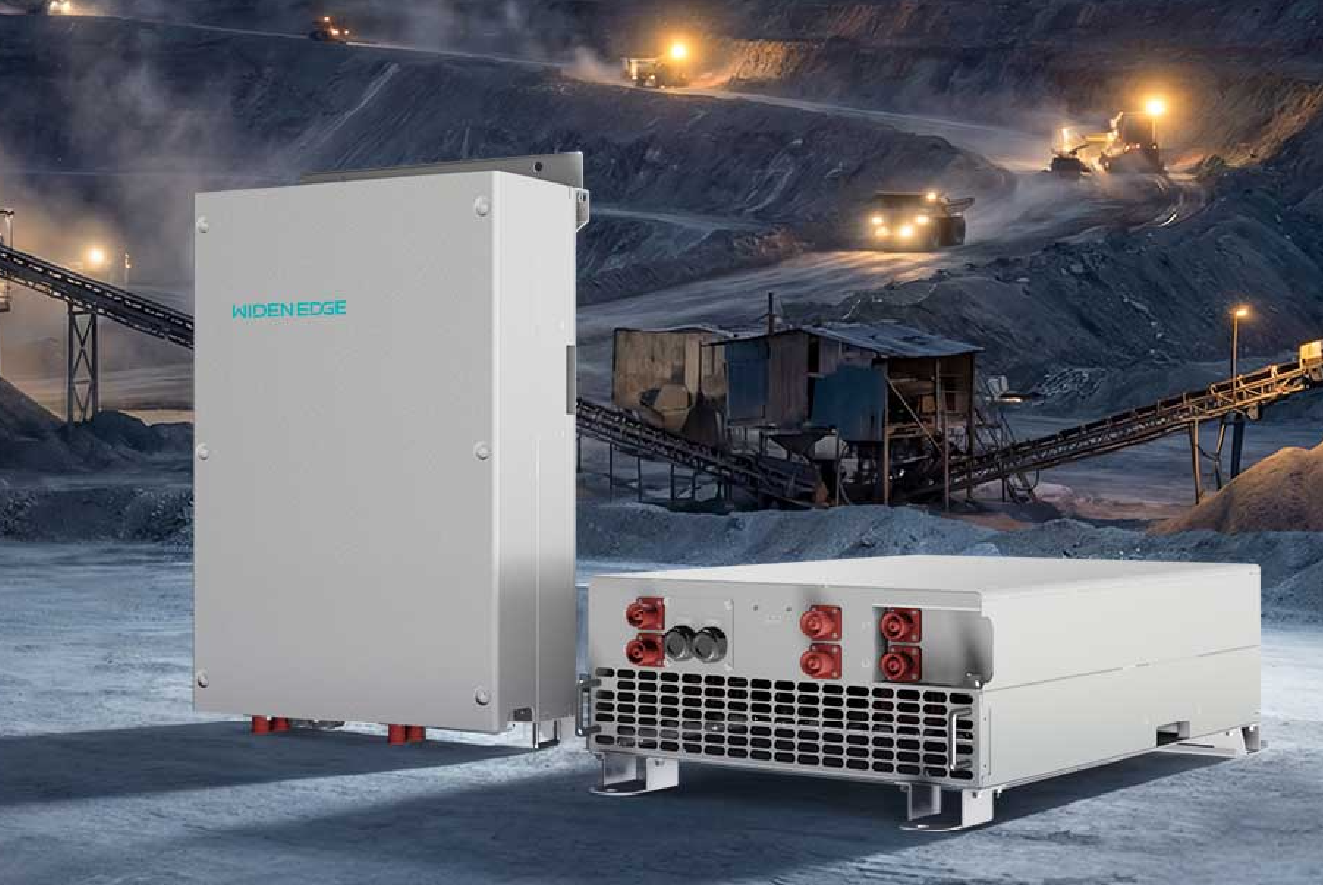
Start with the problem — controllers fail when you need them
Controllers stop doing their job at the worst time: storm nights, planned outages, during site commissioning. I’ve seen small wiring errors and dirty terminals take down systems meant to keep things running. When you’re responsible for uptime at a commercial site, you want a short, repeatable routine that prevents surprises. Check your commercial battery backup systems early in the shift and treat the controller like a living piece of gear — it needs breathing room, clean connections, and simple verification steps.
Daily quick checks — 5 minutes that save hours
Do these every shift before you trust the system to run unattended:
– Visually inspect the controller for fault LEDs or error codes. Note and photograph anything abnormal. – Verify DC and AC voltages at the controller terminals match expected idle values. Don’t guess; read them. – Ensure fans and vents are clear of dust and debris. Heat kills electronics faster than spikes. – Confirm communication links (Modbus, CAN, or Ethernet) are online. A comms drop often looks like a controller fault. – Check battery state-of-charge and charge/discharge commands; controllers should respond to a manual toggle.
Weekly and monthly tasks — stop small issues from growing
Set a cadence that aligns with your site’s risk. Weekly items are quick; monthly items dig deeper.
– Weekly: torque terminal screws, clean connectors with contact cleaner, inspect enclosure seals for moisture. – Monthly: test control firmware version and update if the release fixes known bugs. Back up settings before any update. – Monthly: exercise the battery with a controlled discharge to verify capacity and controller response. If you run a battery backup pv system, record the discharge curve for trend analysis. – Quarterly: run a full system test under load for at least one hour. Simulate real failure modes rather than just switching a breaker.
Calibration and configuration — don’t let defaults decide
Out-of-the-box settings rarely match real sites. Set parameters to the installation: battery chemistry, temperature compensation, charge/discharge limits, and islanding thresholds. Verify protections like overcurrent, anti-islanding, and low-voltage disconnect are set to the site design. Keep a version-controlled copy of the working configuration off the controller.
Common mistakes that cause repeat calls
These are the failures I keep seeing on service tickets:
– Using hand tools that don’t torque to spec — loose lugs heat up and arc. – Skipping firmware backups before updates. One failed update can require a full reflashing on site. – Treating alarms as informational instead of actionable. Some faults escalate fast if ignored. – Mixing battery chemistries or aged modules without re-calibrating the controller. That confuses state-of-charge algorithms. – Overlooking environmental factors: seasonal heat cycles, salt in coastal sites, and pest nests in vents.
When deeper diagnostics are needed
If the controller resets intermittently, logs show unexplained reboots, or load-sharing behaves oddly, follow a structured fault hunt:
– Capture persistent logs and event timestamps. Correlate with grid events or building load changes. – Swap communications cables and isolate the controller from other network devices to rule out noise. – Test with a known-good controller if you have one. Component-level replacement on-site often proves the fault quickly. – If battery behavior is suspect, run an impedance test on modules and watch for rising internal resistance.
How to document and hand over for reliability
Good records keep the next shift from repeating old mistakes. Use a simple log template: date, tech initials, checks performed, measurements, photographs, and any corrective action. Include the firmware version and configuration file name. When handing over, call out any tolerances — “torque terminals to 25 N·m” beats “tighten properly.”
Alternatives and vendor notes — practical evaluation
Not every controller fits every job. If you’re picking hardware, compare these points rather than brand claims:
– Field-serviceability: can you replace a board or does the unit require full swap? – Local spare parts availability. If a part ships from overseas, downtime multiplies. – Clear, accessible logs and exportable diagnostics. PDFs and screenshots are worthless if you can’t pull raw logs. – Support quality: measured by response time and concrete fixes, not marketing.
Real-world anchor and final synthesis
After Hurricane Maria in Puerto Rico (2017), crews learned that a few preventive checks and disciplined documentation kept sites operational longer. That kind of practical lesson informs these steps: short daily checks, scheduled deeper tasks, strict configuration control, and clear handover notes. Do the basics well and you’ll stop most emergency calls. For complex commercial installations, a disciplined approach ties together controllers, batteries, and site design—so the system behaves predictably. I trust field-tested methods and real data; for many projects, the mix of thoughtful design and routine maintenance is the reason sites keep running with minimal surprises, and that’s the kind of reliability engineers at WidenEdge build into site plans.